

The Complete UI/UX Design Guide: How Great Design Turns Visitors into Loyal Customers
Pratik Mali
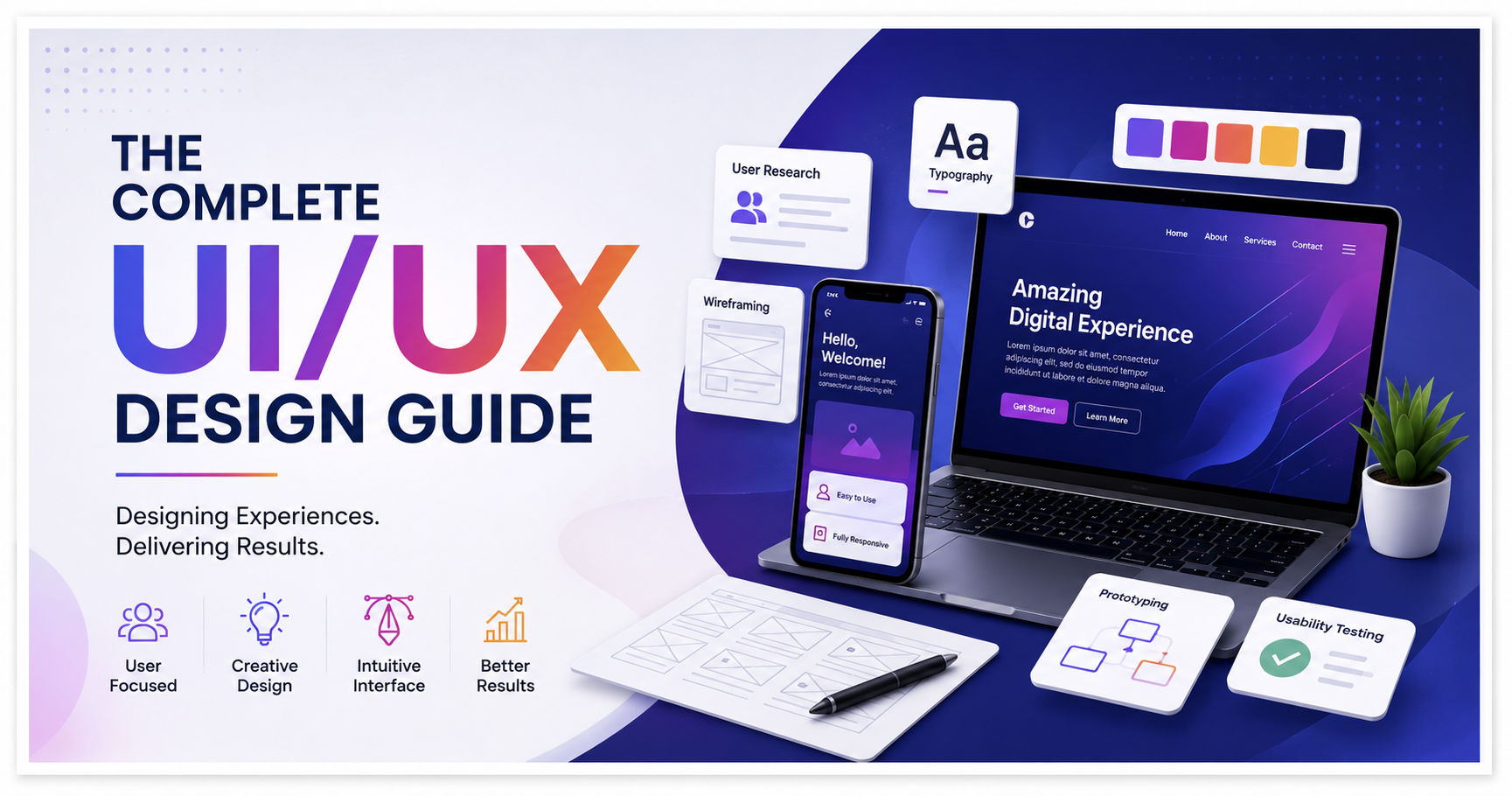
The Complete UI/UX Design Guide: How Great Design Turns Visitors into Loyal Customers
Imagine visiting a website that takes forever to load, has confusing navigation, tiny buttons, inconsistent colors, and forms that are difficult to complete. Chances are, you wouldn't stay there for long. Instead, you would leave and look for another website that offers a smoother experience.
Now imagine another website that loads quickly, has a clean layout, easy navigation, attractive visuals, and allows you to find exactly what you're looking for within seconds. Without even realizing it, you begin trusting the brand because everything feels simple, organized, and professional.
This is the power of UI/UX Design.
In today's digital world, users have countless options. Whether they are shopping online, booking appointments, reading blogs, or using business software, people expect digital experiences to be fast, intuitive, and enjoyable. If your website or application fails to meet these expectations, users are likely to leave—and they may never return.
For businesses, investing in UI/UX design is no longer optional. It is a key factor in building customer trust, improving engagement, increasing conversions, and supporting long-term business growth.
In this complete guide, we'll explore what UI and UX design really mean, why they matter, and how they can transform the way users interact with your digital products.
What is UI Design?
UI stands for User Interface.
It refers to everything a user can see and interact with on a website or application. This includes buttons, colors, typography, icons, images, menus, forms, layouts, spacing, and other visual elements.
The primary goal of UI design is to create an interface that is visually appealing, easy to understand, and consistent across every page.
A good UI designer focuses on questions such as:
- Is the design clean and modern?
- Are buttons easy to identify?
- Are colors consistent with the brand?
- Is the typography readable?
- Does the layout look balanced on all screen sizes?
- Is the navigation simple and intuitive?
A well-designed interface not only looks attractive but also builds trust and encourages users to interact with the website.
What is UX Design?
UX stands for User Experience.
While UI focuses on appearance, UX focuses on how users feel while interacting with a product.
A UX designer studies user behavior and designs experiences that make tasks easier, faster, and more enjoyable.
For example:
A customer visiting an online shopping website wants to search for a product, add it to the cart, complete the payment, and receive an order confirmation without confusion.
If this process is smooth, the user enjoys a positive experience.
If the process is slow or complicated, the user becomes frustrated and may abandon the purchase.
This is why UX design plays such an important role in customer satisfaction.
UI vs UX: Understanding the Difference
Many people assume UI and UX are the same, but they serve different purposes.
| UI Design | UX Design |
|---|---|
| Focuses on visual appearance | Focuses on user experience |
| Colors, typography, buttons, layouts | User journey and usability |
| Creates attractive interfaces | Solves user problems |
| Makes products beautiful | Makes products easy to use |
| Improves visual consistency | Improves customer satisfaction |
The best digital products combine both excellent UI and excellent UX.
Beautiful visuals without good usability can frustrate users, while excellent usability without an appealing interface may fail to build trust.
Why UI/UX Design Matters for Businesses
Many business owners believe that customers only care about products or services.
In reality, customers also judge the quality of a business based on its digital experience.
A poorly designed website can negatively impact:
- Customer trust
- Brand credibility
- Search engine rankings
- Conversion rates
- Customer retention
On the other hand, a professionally designed interface helps businesses:
- Build credibility
- Increase customer engagement
- Improve user satisfaction
- Generate more leads
- Increase online sales
- Strengthen brand identity
For this reason, UI/UX design should be considered an investment rather than an expense.
Core Principles of Good UI/UX Design
Every successful digital product follows a few fundamental principles.
1. Simplicity
Users should never feel overwhelmed.
Clean layouts, clear navigation, and straightforward content make websites easier to use.
2. Consistency
Buttons, colors, fonts, and layouts should remain consistent throughout the entire website.
Consistency helps users learn the interface quickly and creates a professional appearance.
3. Accessibility
A great website is designed for everyone.
This includes users with disabilities, different devices, and varying internet speeds.
Accessibility features include:
- Readable fonts
- High color contrast
- Keyboard navigation
- Alt text for images
- Responsive layouts
Making a website accessible improves usability for all visitors.
The UI/UX Design Process
Designing a successful website or application is much more than choosing colors or creating attractive layouts. A well-planned UI/UX process helps businesses understand their users, solve real problems, and create digital products that people enjoy using.
A typical UI/UX design process includes the following stages:
1. User Research
Every successful design begins with understanding the users.
Before creating any screens, designers gather information about the target audience by conducting:
- User interviews
- Surveys
- Market research
- Competitor analysis
- Customer feedback
- Analytics review
The goal is to understand users' needs, expectations, challenges, and behavior.
For example, an e-commerce customer wants a fast checkout process, while a healthcare application requires easy appointment booking and secure access to patient information.
Design decisions should always be based on user needs rather than assumptions.
Information Architecture
Once user research is complete, the next step is organizing content logically.
Information Architecture (IA) defines how pages, menus, and navigation are structured so users can easily find what they are looking for.
A well-organized website typically includes:
- Clear navigation menus
- Logical page hierarchy
- Simple URLs
- Search functionality
- Well-defined categories
When information is organized properly, users spend less time searching and more time interacting with your content.
Wireframing
A wireframe is a basic blueprint of a website or application.
Instead of focusing on colors or graphics, wireframes focus on layout and functionality.
Wireframes help answer important questions such as:
- Where should the navigation appear?
- Where should the call-to-action button be placed?
- How should users move between pages?
- What content should appear first?
Creating wireframes early helps identify usability issues before development begins, saving both time and money.
Prototyping
A prototype is an interactive version of the design that allows stakeholders and users to experience the product before development starts.
Unlike static images, prototypes simulate real interactions such as:
- Clicking buttons
- Navigating pages
- Opening menus
- Filling forms
- Viewing animations
Testing prototypes helps designers identify problems early and improve the overall user experience.
Importance of Mobile-First Design
Today, the majority of users access websites using smartphones.
Designing for mobile devices first ensures that the experience remains simple, fast, and responsive across all screen sizes.
A mobile-first approach focuses on:
- Touch-friendly buttons
- Readable typography
- Responsive layouts
- Fast loading pages
- Easy navigation
- Optimized images
Google also prioritizes mobile-friendly websites when determining search rankings.
Responsive Design
Responsive design ensures that websites automatically adapt to different screen sizes without compromising usability.
A responsive website should work seamlessly on:
- Smartphones
- Tablets
- Laptops
- Desktop Computers
- Large Monitors
Visitors expect the same high-quality experience regardless of the device they use.
Design Systems
As businesses grow, maintaining consistency across websites and applications becomes increasingly important.
A design system is a collection of reusable design components and guidelines.
It typically includes:
- Brand colors
- Typography
- Buttons
- Icons
- Forms
- Cards
- Navigation styles
- Layout spacing
- UI Components
Using a design system improves consistency, speeds up development, and simplifies future updates.
Common UI/UX Mistakes
Many websites lose potential customers because of poor design decisions.
Some of the most common mistakes include:
Slow Loading Pages
Users expect websites to load quickly. Slow performance increases bounce rates and negatively impacts SEO.
Confusing Navigation
Menus should be simple and easy to understand. Users should never struggle to find important information.
Poor Color Contrast
Text must remain readable across all devices.
Too Many Pop-ups
Excessive pop-ups interrupt the browsing experience and frustrate visitors.
Complex Forms
Request only the information you actually need. Long forms discourage users from completing actions.
Inconsistent Design
Different fonts, colors, and button styles create confusion and reduce trust.
Latest UI/UX Trends in 2026
The digital world continues to evolve, and businesses must adapt to changing user expectations.
Some important UI/UX trends include:
- AI-powered personalization
- Voice User Interfaces (VUI)
- Dark Mode
- Micro-interactions
- Minimalist Design
- Glassmorphism
- 3D Illustrations
- Motion Design
- Accessible Interfaces
- Personalized User Experiences
While trends are valuable, usability should always remain the top priority.
Measuring UI/UX Success
A good design should produce measurable business results.
Key performance indicators (KPIs) include:
- Bounce Rate
- Average Session Duration
- Conversion Rate
- Customer Satisfaction Score (CSAT)
- Task Completion Rate
- User Retention
- Page Load Time
- Core Web Vitals
Monitoring these metrics helps businesses continuously improve their digital experiences.
Article Comments
You must be signed in to post comments.
Sign In to Join the Discussion →No comments approved yet. Be the first to share your thoughts!
About the Author
Pratik Mali
Technology Consultant
Professional engineers crafting clean code architectures and visual portfolios for SMBs.